MemoryMiner is the award-winning Digital Storytelling application used to discover the threads connecting peoples' lives across time and place. It lets you zero in on the stories depicted in your photos by linking them to each other based on people, places and time.




Introduction

Digital Storytelling: Adding Context to your Personal Media
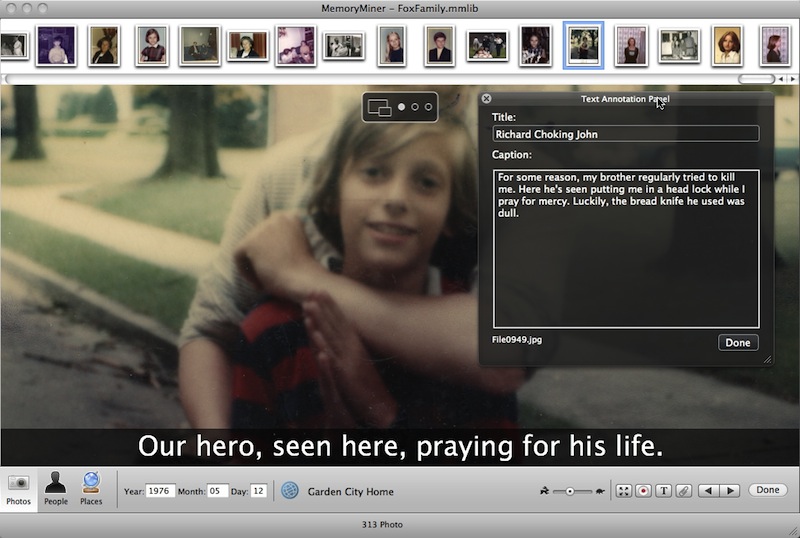
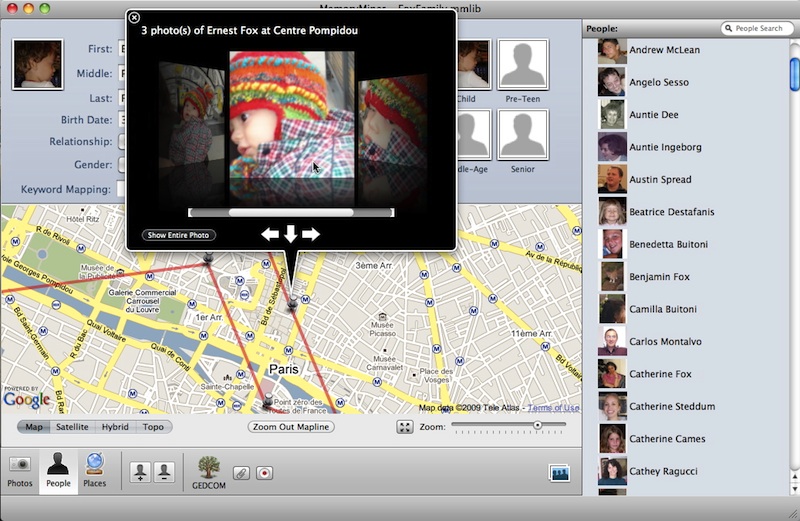
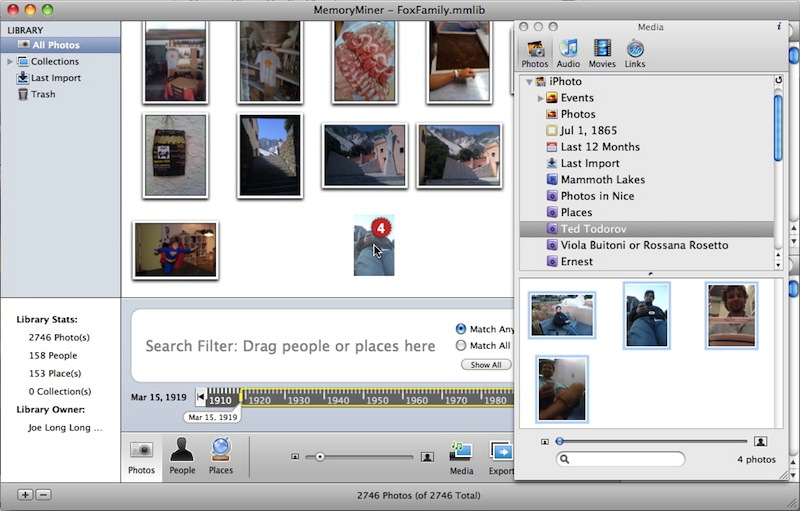
MemoryMiner 2, is the long-awaited, breakthrough update to our award-winning Digital Storytelling application for Mac OS X. A fantastic complement to the iLife suite, MemoryMiner is all about capturing and exploring your life memories. It lets you zero in on the stories depicted in your photos by linking them to each other based on people, places and time. While photos are used as the starting point, the goal is always uncovering the backstory.
To learn all about MemoryMiner 2 watch the screen movie shown at right. The screenshots shown below provide additional information. Give MemoryMiner a try, use the built-in Feedback window to let us know what you think.
Hot News: MemoryMiner for Travelogues. Read all about it on the blog.
Museums

MemoryMiner @ The Magnes
In late 2008, The Magnes Museum in Berkeley created a facility gallery called Memory Lab. Built around MemoryMiner, it allows museum staff and the general public to digitize, annotate and present collections of culturally significant photographs and documents.
These collected works are presented online using both the MemoryMiner Web Viewer, and as Flickr sets. This dual-track publication allows for an authoritative, institutional view of people and events to co-exist with an open forum where people can add their own commentary and interpretations. The Magnes publishes their material using the Creative Commons licensing mechanism.
The short film talks about how MemoryMiner is used at The Magnes. This groundbreaking collaboration has already spawned several similar projects such as the Fort Collins Memory Project. For more info, please contact us.
Web Viewer
Publishing to the Web
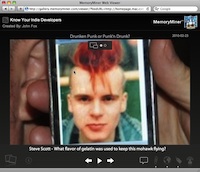
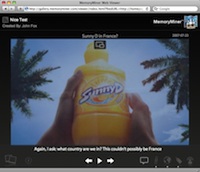
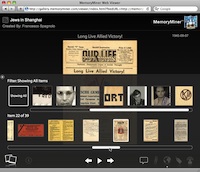
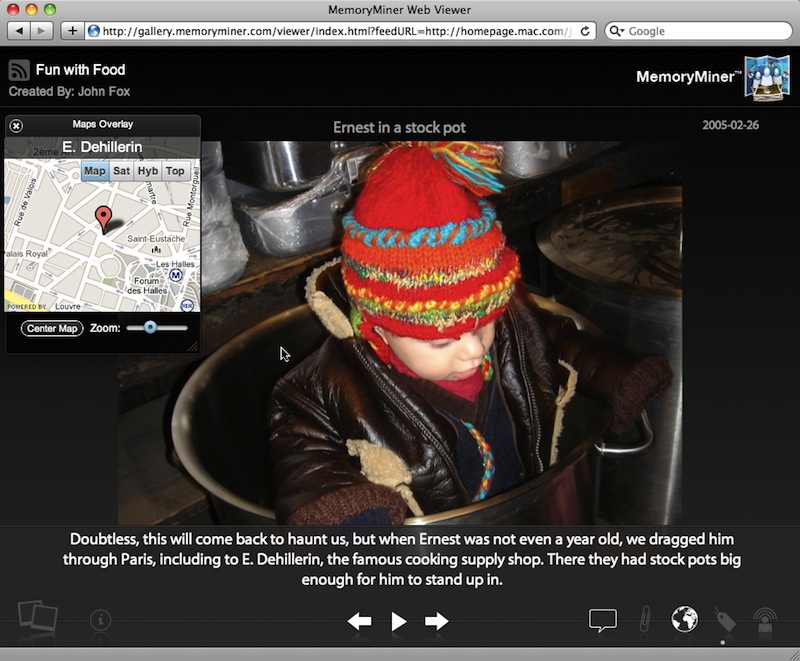
MemoryMiner publishes your annotated photo-stories to the web using an elegant gallery application (built using the Cappuccino framework). The viewer lets users interactively browse the various annotation layers for each photo, including maps, titles, captions, linked documents, audio/video attachments, etc. These layers can be turned on and off, keeping the photo front and center at all times. To quickly move around in the story, a Person/Thumbnail overlay lets you filter by person/object, or quickly skip from one photo to another by clicking on its thumbnail.
As changes are made on the desktop, updates can be made quickly and easily since only what's changed has to be uploaded. The underlying data format is RSS (with GeoRSS and Media extensions), so the underling story contents can be displayed in other applications such as Google Earth or your favorite news reader. For easy sharing, you can quickly copy and paste a URL via email/Twitter/Facebook or use HTML embedding code to include in a blog post. Web Viewers can be password-protected if you don't want the whole world to see it. To view any of the samples below, simply click on any thumbnail.